
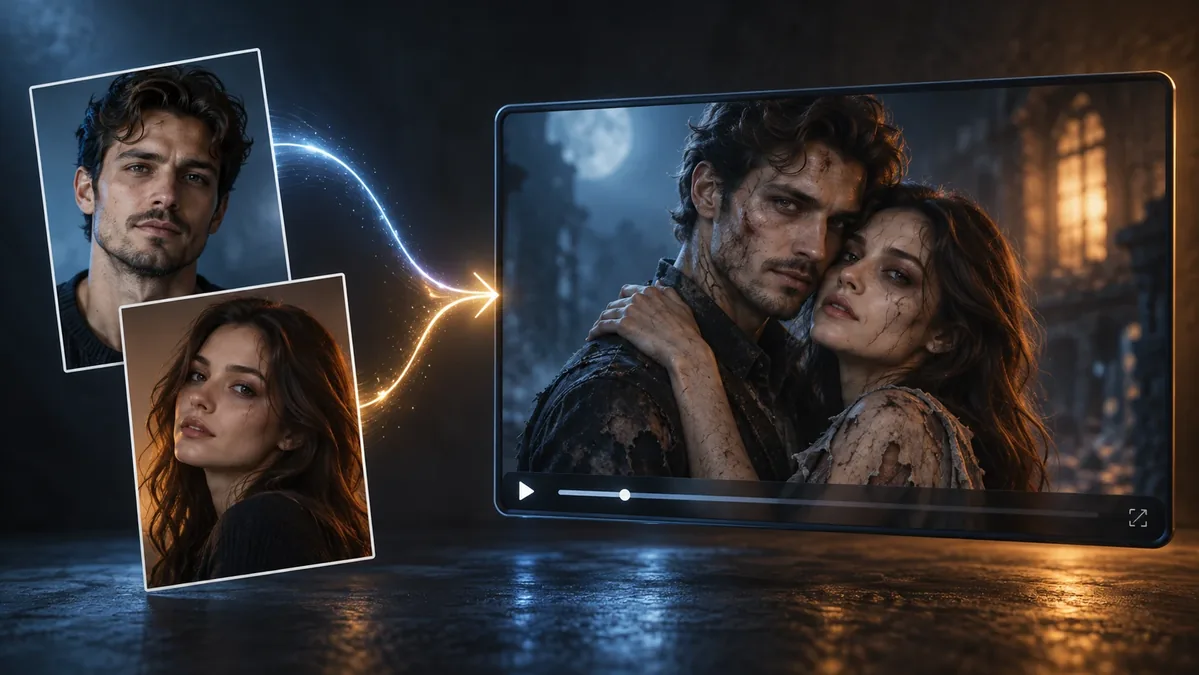
Keep both Zombie AI Video Trend characters recognizable
Upload one clear photo for each person and keep the order consistent. Zombie AI Video Trend uses Image 1 as the survivor and Image 2 as the infected partner or friend.
JPG, PNG or WebP · up to 10 MB each
Upload two clear images. The trend format uses both references in a fixed 16:9 frame.
Zombie AI Video Trend turns two photos into one emotional story: a cold encounter, recognition, an impossible hug and a warm memory cut in a cinematic 16:9 video.
Create My Zombie AI Video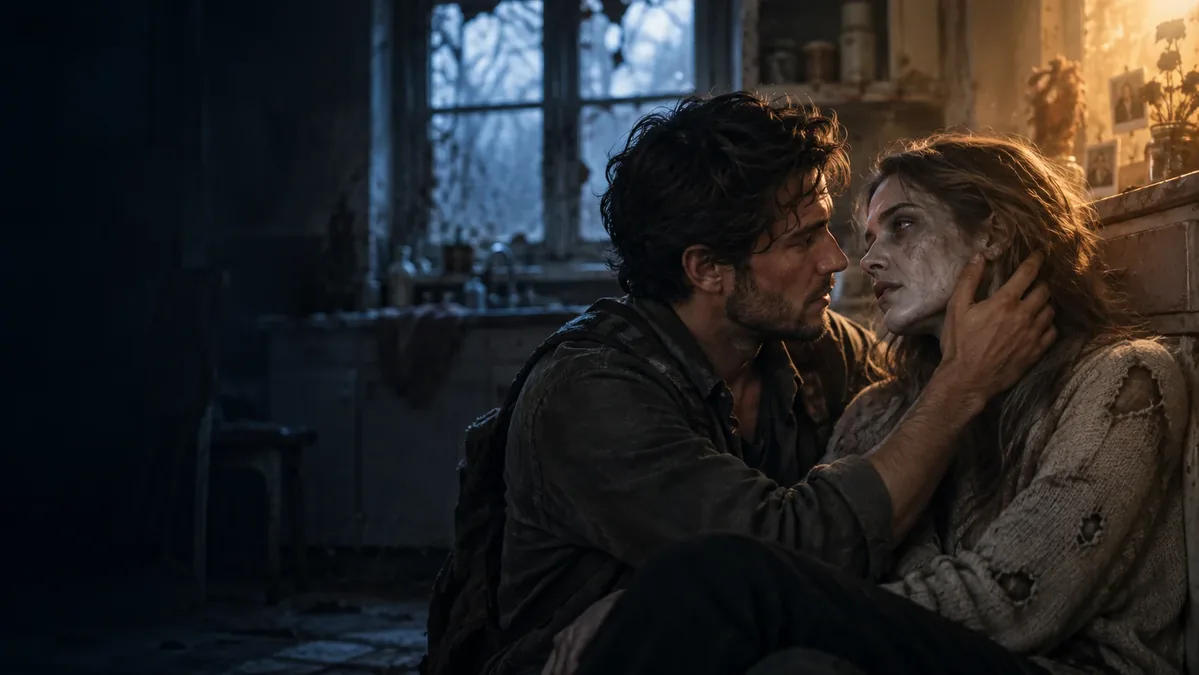
Upload one clear photo for each person and keep the order consistent. Zombie AI Video Trend uses Image 1 as the survivor and Image 2 as the infected partner or friend.
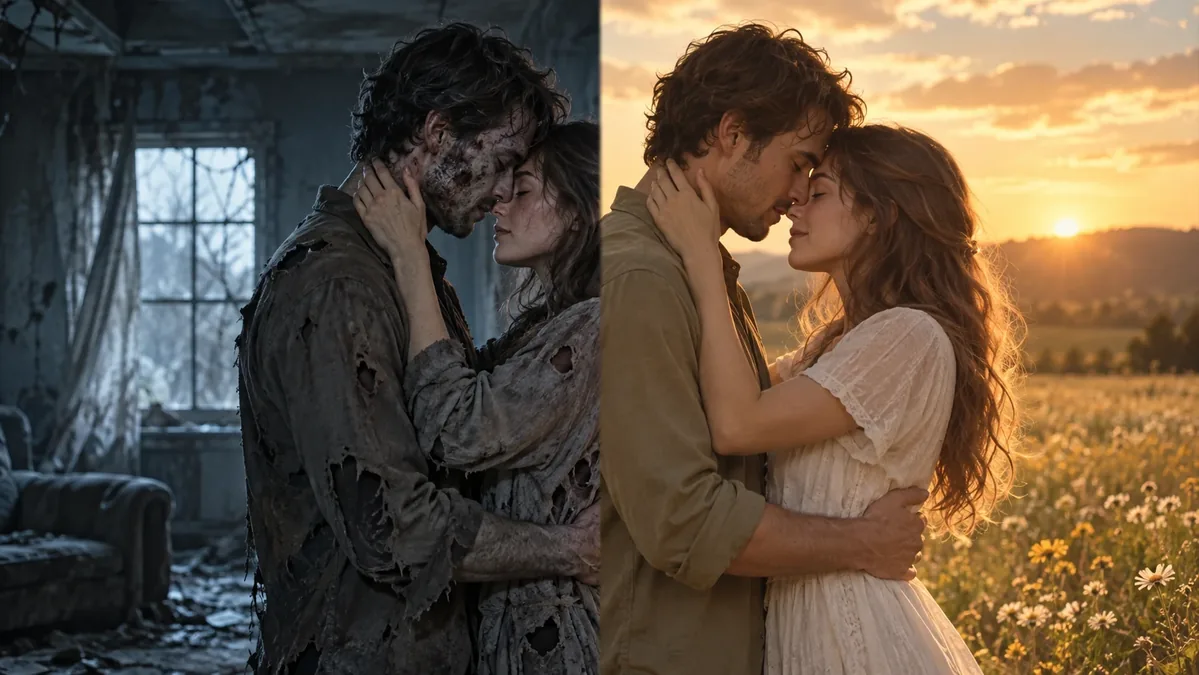
The signature Zombie AI Video Trend moment is a match cut at physical contact: cold tension becomes a warm memory while shoulders, arms and screen positions stay aligned.
Choose 480P for a lighter draft or 720P for more detail. The current Zombie AI Video Trend workbench keeps the story in a fixed 16:9 frame.
Choose one well-lit photo for each adult or friend. Keep faces visible and use the same role order throughout the Zombie AI Video Trend workflow.
Select 480P for a quick concept or 720P for a more detailed result. The Zombie AI Video Trend aspect ratio stays at 16:9.
Check identities, the non-graphic infected look and the hug transition before downloading or sharing the Zombie AI Video Trend video.
Start with a cold, abandoned room and let the embrace open into a warm memory of the same two people.
Keep the story platonic: recognition, a shoulder-to-shoulder hug and a sunny road-trip memory.
Use 480P to test the emotional beat, then choose 720P when the faces and Zombie AI Video Trend transition look right.
The strongest Zombie AI Video Trend generations come from clear references, consistent roles and a simple transition that ends in the memory.
Use non-graphic infected makeup and let the emotional choice carry the Zombie AI Video Trend scene.
Keep Image 1 and Image 2 assigned to the same characters so faces and screen positions do not swap.
Check the hug, hands and faces at the cut before you share the finished Zombie AI Video Trend video.
Prepare the two references and the emotional beat before creating your Zombie AI Video Trend.
Zombie AI Video Trend is a two-character short story that moves from an infected encounter to recognition, an embrace and a warm memory from before the outbreak.
Upload two clear JPG, PNG or WebP photos with visible faces. Use Image 1 for the survivor and Image 2 for the infected partner or friend.
No. Zombie AI Video Trend starts from two reference photos. An authorized motion reference can help in models that support it, but it is not required here.
The Zombie AI Video Trend structure can work for friends or a pet when the reference is clear and you have permission. Keep the scene non-graphic.
The current Zombie AI Video Trend workbench offers 480P and 720P output in a fixed 16:9 frame with no separate duration selector.
Keep the same two photos and role order, simplify the scene, and match screen sides, shoulder angles, arm placement and movement direction at the contact frame.
Open the Zombie AI Video Trend workbench and build a cold-to-warm story from two clear references.