
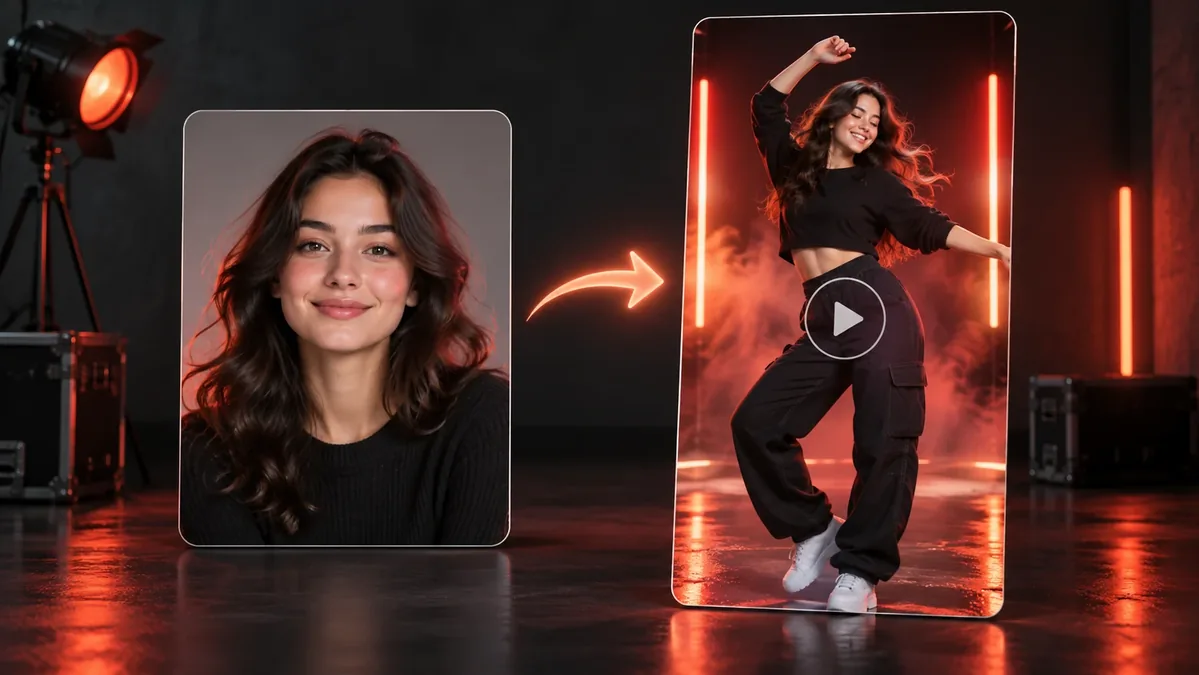
One photo, no prompt
Upload one sharp, front-facing photo of one person. Bulin 47 AI handles the choreography and camera direction for you.
JPG, PNG or WebP · up to 10 MB each
Use one clear photo with a visible subject.
Current estimate: 120 credits
Bulin 47 AI turns one clear photo into a viral freestyle video with preset choreography, handheld camera energy and a 5–15 second vertical MP4 for TikTok, Reels or Shorts.
Create My Bulin 47 AI Video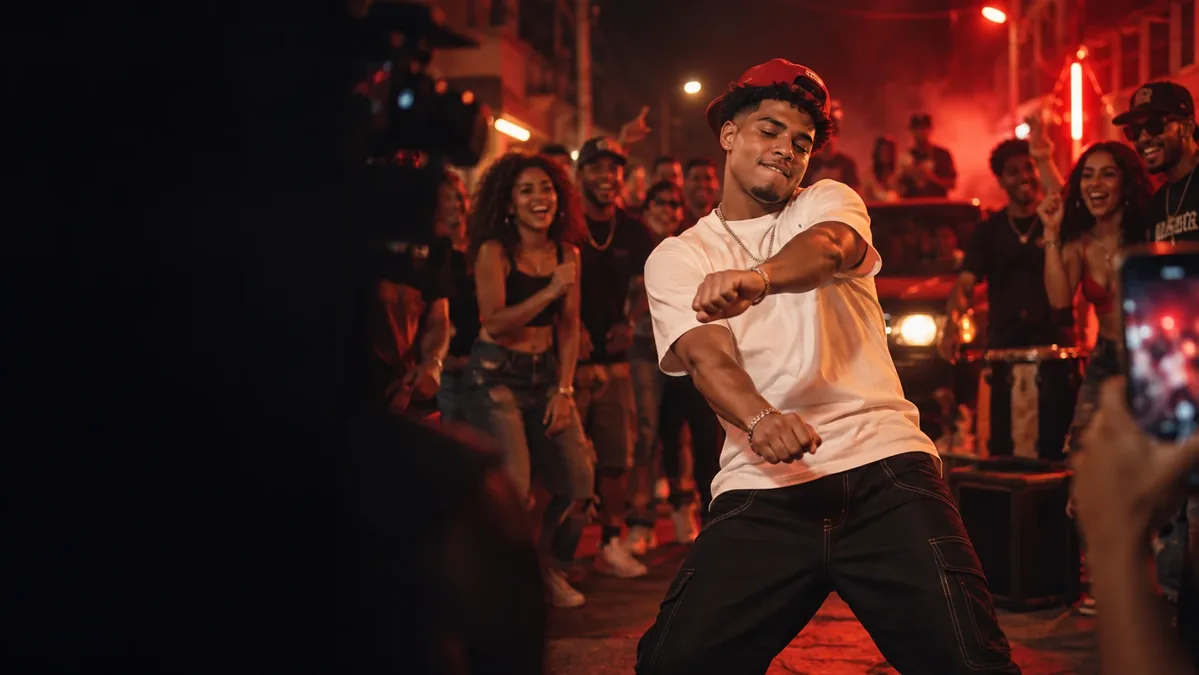
Upload one sharp, front-facing photo of one person. Bulin 47 AI handles the choreography and camera direction for you.
The Bulin 47 AI template guides the gestures, crowd energy and handheld camera feel, so you can join the trend without filming or dancing.
Generate a 9:16 MP4 in 5–15 seconds, then preview, download and add the licensed trend sound inside your social app.
Use a well-lit, front-facing photo of yourself or an adult who agreed. One person, no sunglasses or heavy filters works best.
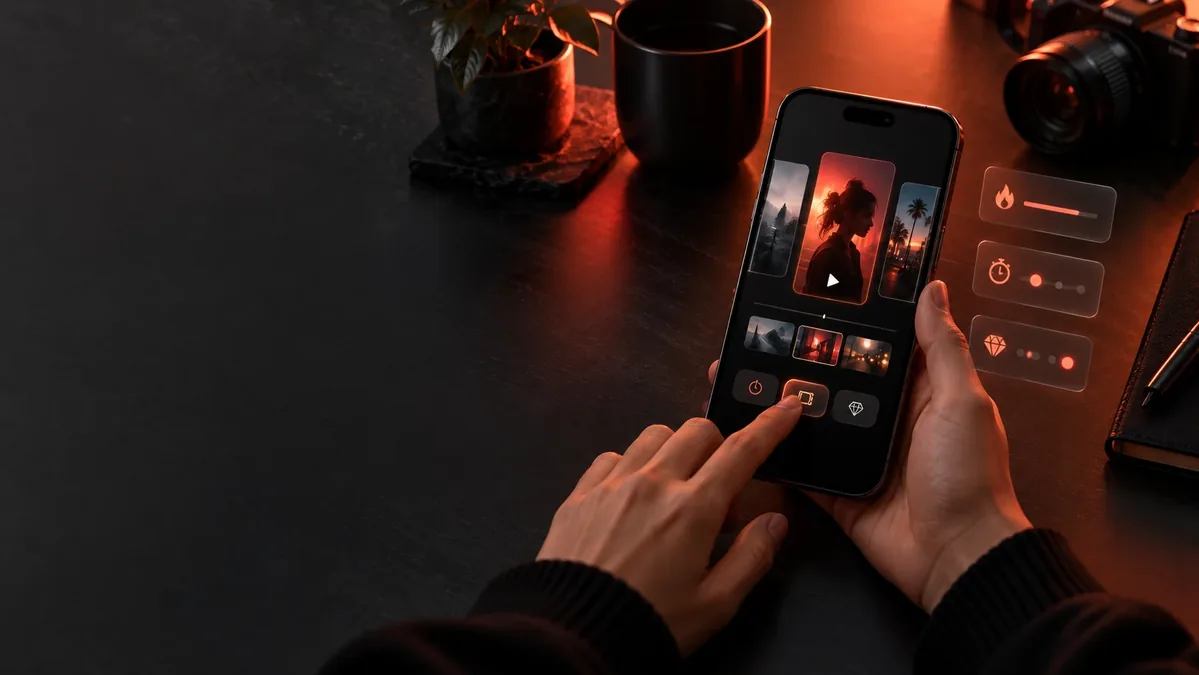
Select the available duration and resolution. Bulin 47 AI uses preset choreography, so you can skip prompt writing.
Preview the Bulin 47 AI MP4, download it, then add the trend sound in TikTok, Reels or Shorts when you publish.
Put your own look in the red-lit crowd scene and let the Bulin 47 AI template carry the camera energy.
Try a friend or a pet only when you have permission, and review the Bulin 47 AI result before sharing.
Start with a short, lower-resolution Bulin 47 AI take to test the look, then make a higher-quality version when it feels right.
Skip the camera setup and editing timeline. Bulin 47 AI starts with one photo, guides the performance and keeps the result easy to share.
Bulin 47 AI supplies the movement and camera path so you can start from a still photo.
Sharp, front-facing photos with one person give Bulin 47 AI a better chance of preserving your likeness.
Preview your Bulin 47 AI MP4, check the face and hands, and label it as AI-generated where your platform asks.
Practical Bulin 47 AI answers before you upload a photo.
Bulin 47 AI places one uploaded person into a preset version of the viral Bulin 47 freestyle, with guided movement, crowd energy and handheld camera motion.
Use one sharp, well-lit, front-facing photo of one person. Avoid sunglasses, heavy filters, covered faces and distant group shots.
No. Bulin 47 AI provides preset choreography and camera direction, so you can start with one photo and choose the available output settings.
The current Bulin 47 AI workbench generates a 9:16 vertical MP4 and supports 5–15 second clips with 480P, 720P or 1080P quality choices.
No. Bulin 47 AI is an independent fan-made tool and is not affiliated with, sponsored by or endorsed by Bulin 47, Kevin Wai or their labels.
Only upload your own photo or an adult’s photo with permission. Add the trend sound inside TikTok, Reels or Shorts so the platform handles music licensing.
Open the Bulin 47 AI workbench, upload a clear photo and preview your trend-ready video.