Two photos, two distinct performers
Use a separate photo for each person, even if you have never taken a picture together. Choose clear faces so both people have a useful visual reference.
JPG, PNG or WebP · up to 10 MB each
One person per photo. Keep the face clear and unobstructed.
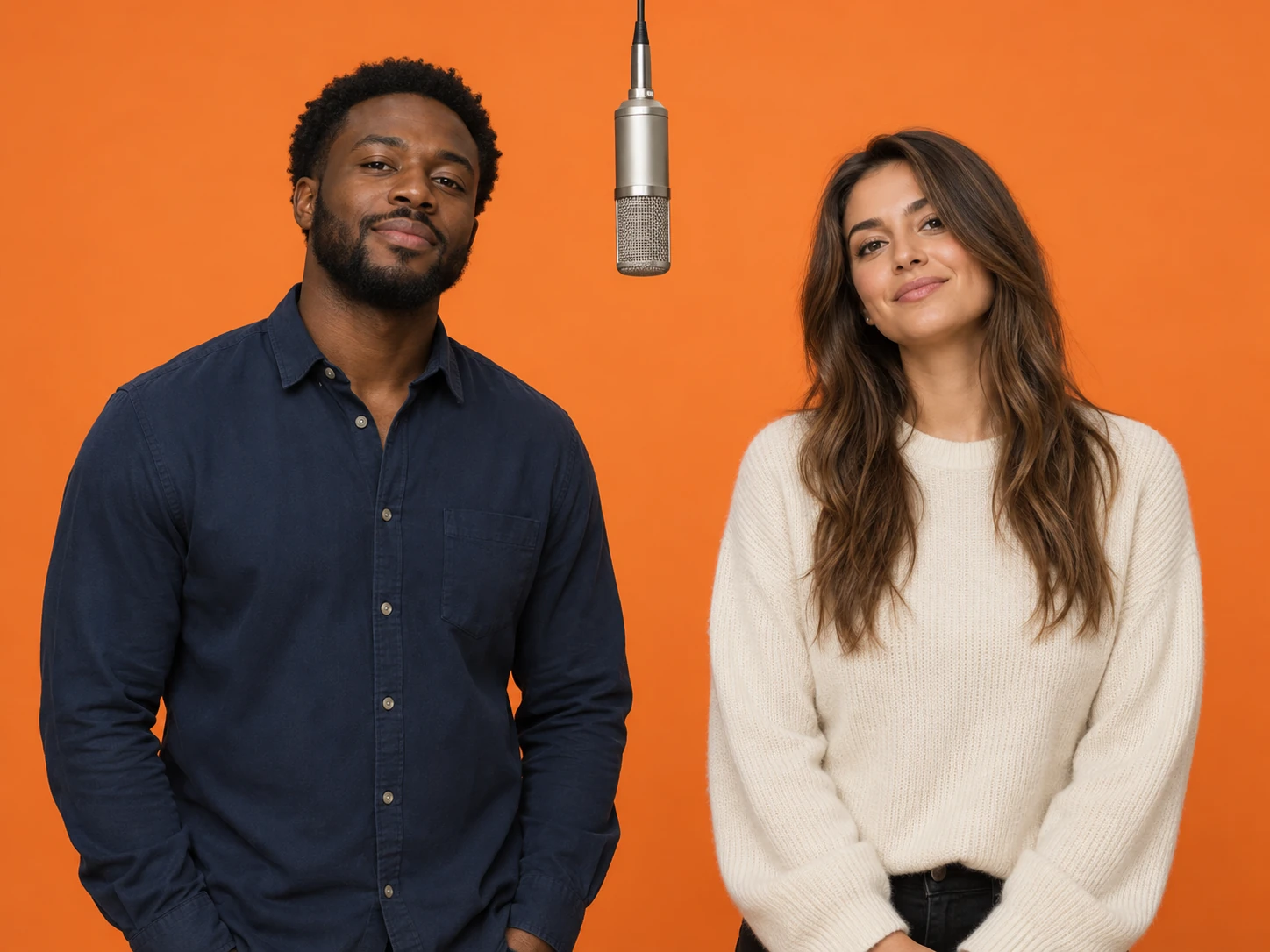
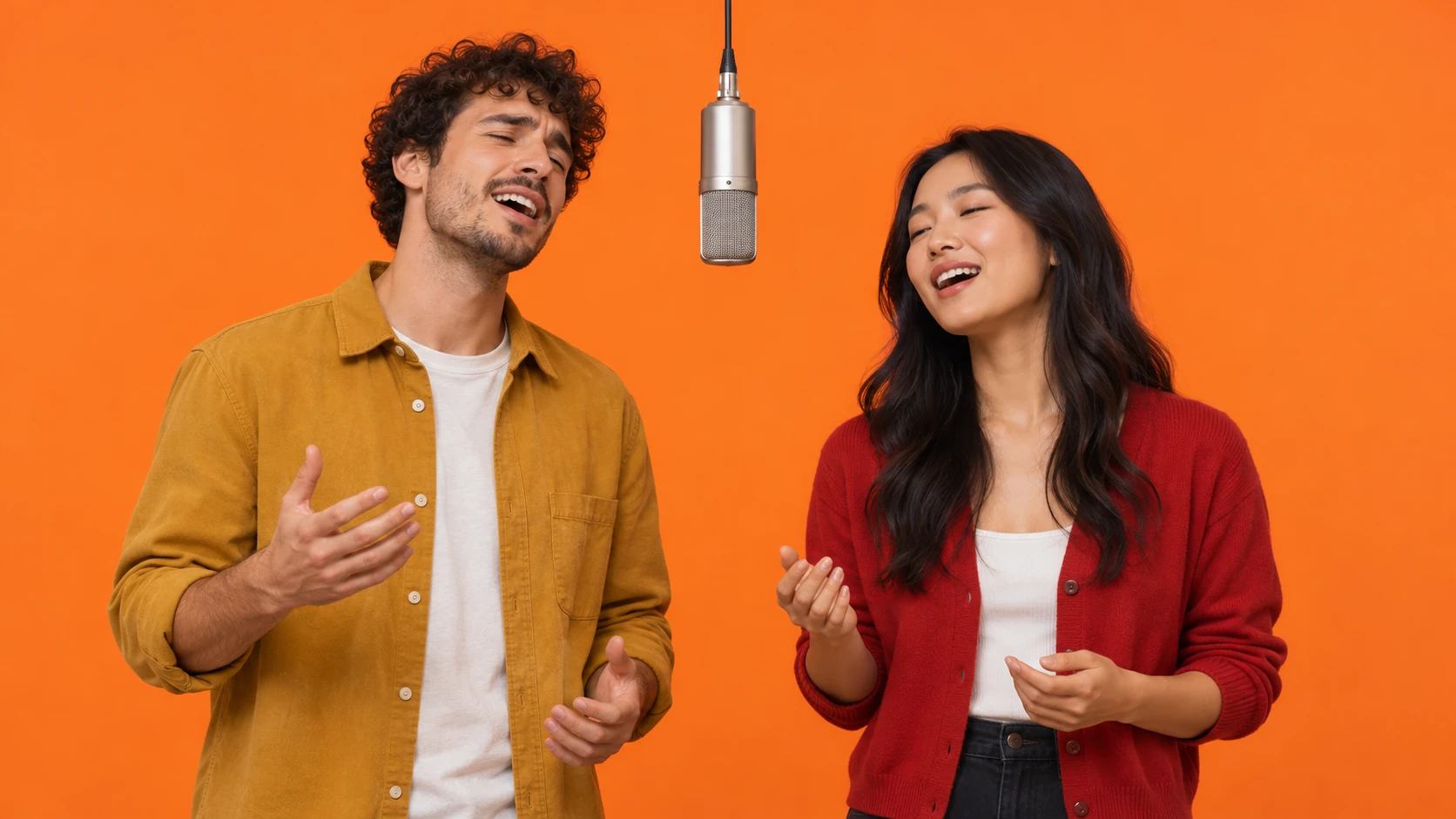
Hotel Lobby AI Video Generator turns two separate photos into a duet in an orange recording studio. Choose your pair and set the duration, resolution and framing.
Create My VideoUse a separate photo for each person, even if you have never taken a picture together. Choose clear faces so both people have a useful visual reference.
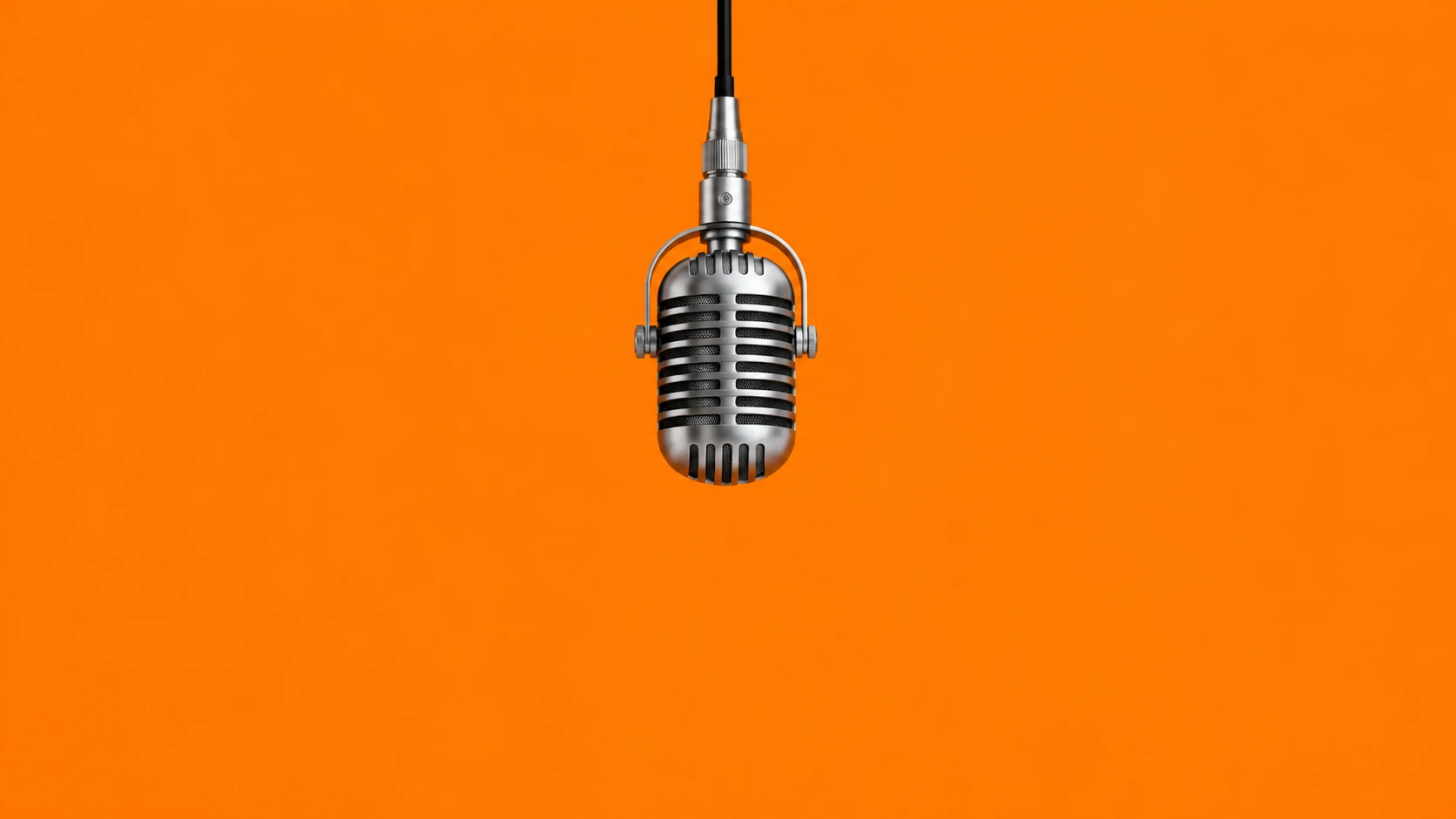
Bring your pair into the orange recording studio with a microphone hanging between them. The simple backdrop keeps attention on the two performers and their interaction.
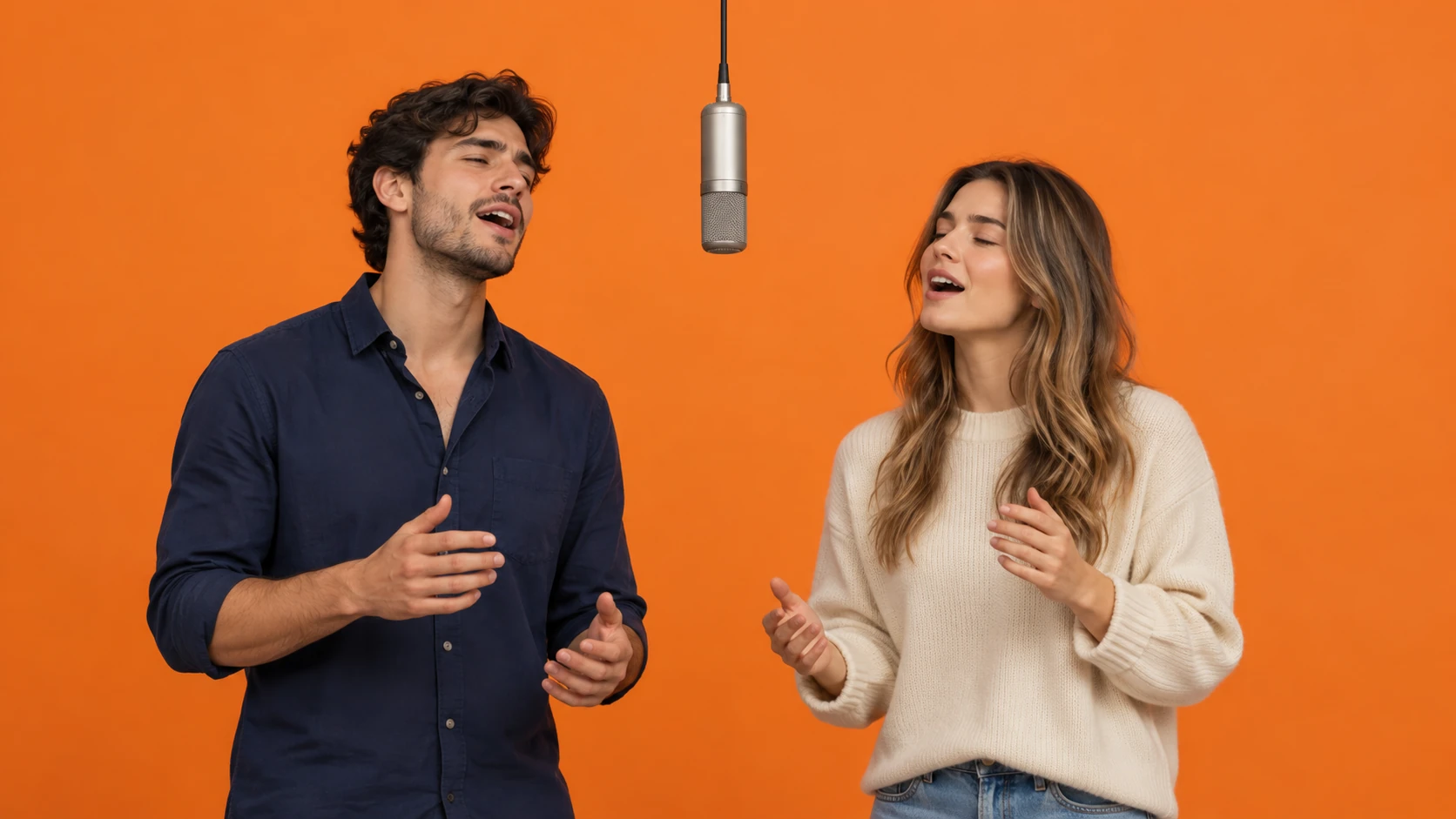
Select the video parameters offered in the generator before you start. Keep your first setup simple, then review how both people appear throughout the finished performance.
Upload two clear photos, one for each performer. Pick images where faces are visible, and use photos you have permission to animate.
Set the video options available in the generator. You do not need to write a scene prompt to build the orange studio performance.
Start generation and review the complete video when it is ready. Check both faces, their positions and the interaction around the microphone.
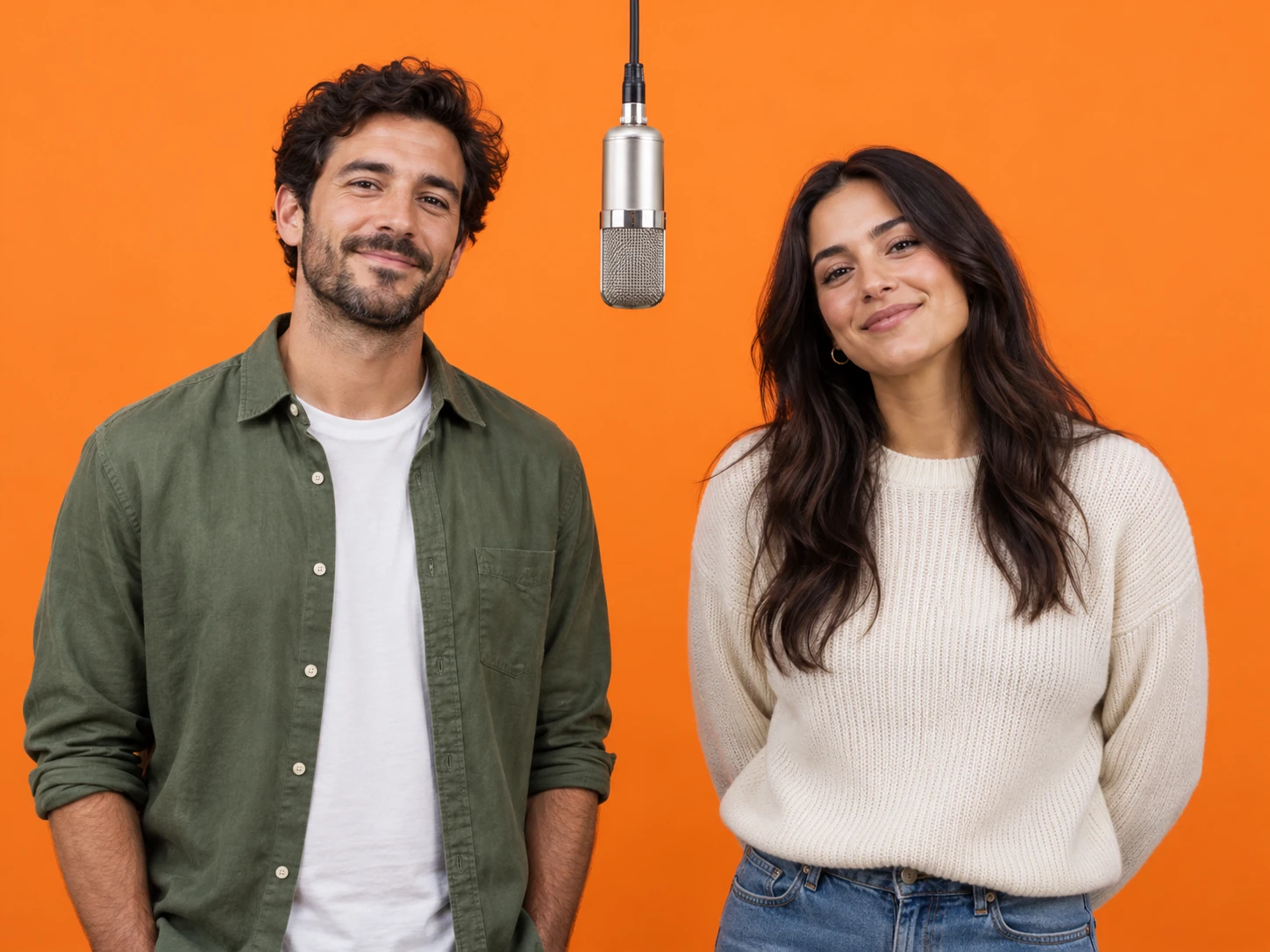
Put you and a friend together in the orange studio using separate photos. Let a familiar pairing give the performance its personality, even when the pictures were taken apart.
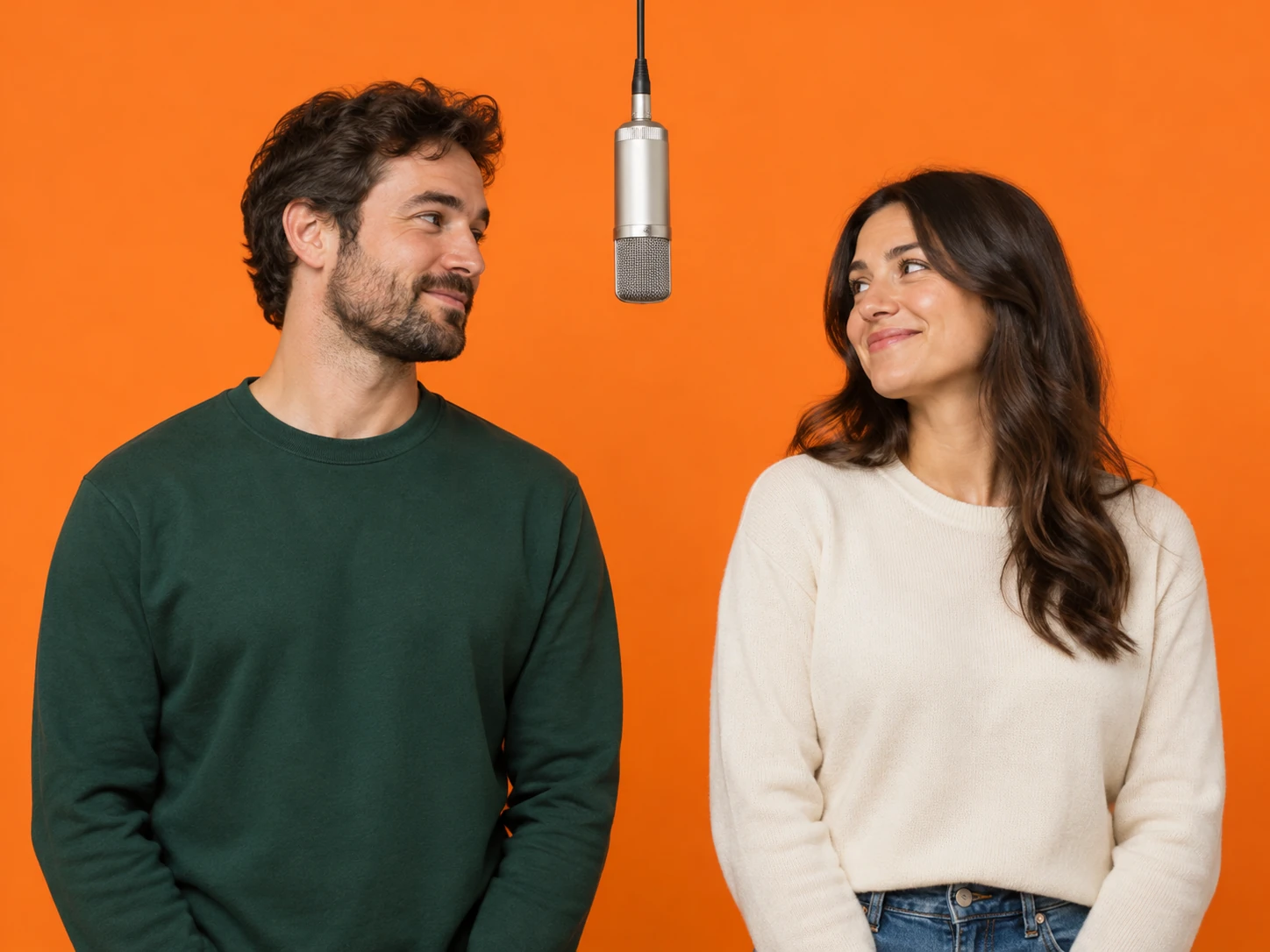
Choose a photo of each partner for a performance you appear in together. Contrasting clothes help make each person easy to spot against the plain orange background.
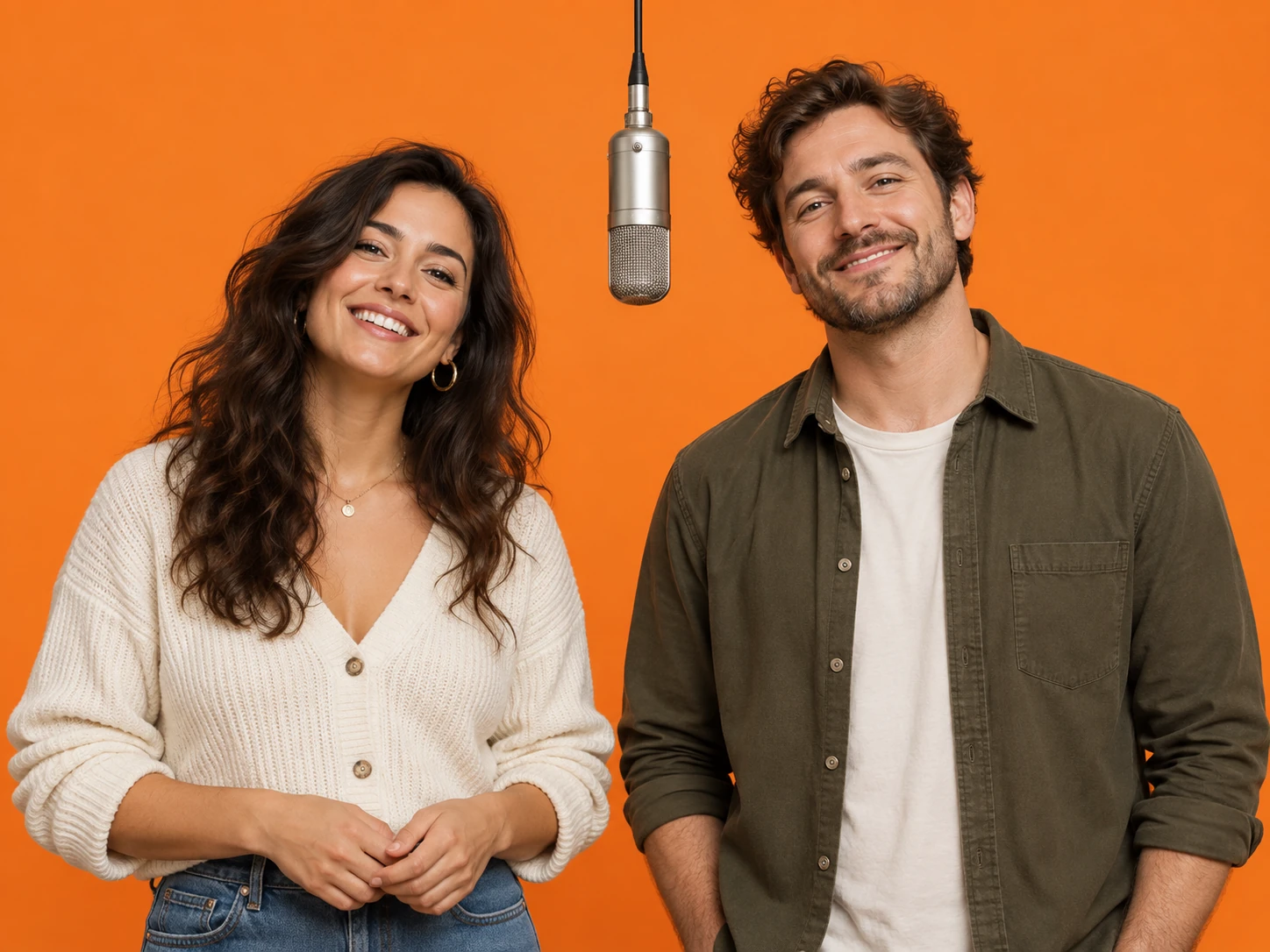
Pair two adult family members using photos from different occasions. A shared scene can bring their personalities together without requiring a new group photograph.
Start with the people you want to see together. Hotel Lobby AI Video Generator keeps the scene focused on your duo, while the photos and video settings shape your request.
A separate image for each performer is enough to start the setup. Bring together photos from different places or occasions while giving each person a clear reference.
The orange studio and hanging microphone are built into this workflow. Spend your time choosing the pair and video settings instead of describing the set from scratch.
Move from two photos to parameter selection and generation. Review the complete performance before sharing, because AI can change details in faces, clothing and movement.
Practical answers about your photos, the studio scene and what to check in the result.
Hotel Lobby AI Video Generator makes a two-person performance video from two photos in an orange recording studio with a shared hanging microphone. The photos provide a reference for each performer, and you select the available video parameters before generation. Review the whole result, since AI can change details as the people move.
Use two separate photos, with one clearly visible person in each. Faces that are well lit and unobstructed give the model more useful information than tiny faces or heavily filtered images. Choose photos you have permission to use. Similar framing can also make it easier to compare both people in the result.
No. This workflow uses two photos and your selected video parameters, without a scene prompt field. The orange recording studio and hanging microphone are part of the fixed setup. Choose your pair, review the available settings and start generation. You do not need to describe the background or plan a scene in text.
Yes. Upload one photo for each person; they do not need to appear together in the same source picture. This makes the setup useful for friends, couples and adult family members photographed on different occasions. Choose clear images for both people, then check that their identities remain distinct in the completed video.
Choose from the parameters displayed in the generator before you submit the photos. The controls there are the reference for available output options. Check the options you have selected so you know what your request includes. Start with the setup that suits your intended use, then inspect the full performance rather than judging only its opening frame.
Use images you own or have permission to animate, and consult the site's privacy terms for details of photo processing and retention. After generation, check both faces, left and right positions, clothing and gestures throughout the clip. AI results can vary, so review the full video before deciding whether to share it.
Explore the Hotel Lobby AI Video Generator experience and choose the two photos you would like to bring together.